Showing posts with label iPhoneographer. Show all posts

September 11, 2012

We will never forget...9-11...


Some days are never forgotten. Some moments need to be remembered. We all have our own personal story that touched us this day 11 years ago. Take a moment to appreciate what you have and those you love!


Learn how to create artistic iPhone Photography images with easy to follow online courses. Next course starts October 1st. Please see side bar for more information. Come join me on Google+ Hangouts. Circle me and I will invite you to join in the fun.

August 31, 2012

iPhoneography 101 - Online Course - starts Monday

The Burnside Bridge Portland

I have been spending time in the Portland area lately. It is so much fun to learn about the different neighbors here. A friend is opening up an Urgent Care Express in the Hollywood neighborhood soon. It is his 4th clinic in the area. I am enjoying helping him with all the details - website design, interior floor plan layout, slogan, colors, signs, colors... the list is never ending. It has been a longtime since I have been involved in a building project like this. It feels great, comfortable and familiar, like an old friend has returned.

I created this image many months ago. I know I used Filterstorm, PhotoForge and fxPhotoStudio. Not sure if there were others.

Sign up NOW!
Learn how to create artistic iPhone Photography images with easy to follow online courses. Next course starts September 3rd. Please see side bar for more information. Come join me on Google+ Hangouts. Circle me and I will invite you to join in the fun.

March 14, 2012

iPhoneographer or just a Photographer

Is it a photograph or iPhoneography? Does it matter?
HDR capture no additional processing.
About a year ago I defined iPhoneography.... now I am rethinking it.

I still think that iPhoneographers capture images with an iPhone and process those images with apps. But what apps? For quite awhile now the apps have been available for the Mac computers. MInd you there are not nearly the variety to choose from, but that will most likely change too. So is iPhoneography include processing on the Mac with apps? I say yes.

My workflow however never has included processing on the Mac. Why? Well I want my workflow to only include apps on the iPhone and the iPad, at this time, because of the simplicity and portability. I say at this time because technology changes so quickly that I can't imagine what new tools will be available a year from now let alone farther into the future.

Just so you know all the images I have ever blogged here have been captured with my iPhone and processed either on my iPhone or iPad with the exception of one image that was captured with my Nikon and processed on my iPad. I NEVER process them on the computer because I want to show that all these possibilities are available WITHOUT a computer.

This workflow fits my lifestyle. I have always been a minimalist as a photographer. I preferred one zoom lens instead of 5 lenses to carry around. I have had the same one tripod for the last 6 years. I don't have a case on my iPhone (mainly it doesn't fit into my tripod holder with one) and I have purchased a few of the gadgets for the iPhone but I never seem to carry them around with me. It works for me, but not everybody.

Not many photographers limit themselves to just the iPhone and iPad as I do. Many of my students process images with their iPad that were taken with their DSLR cameras. I think it is wonderful to have that option available to them. In fact I think more and more photographers will begin to explorer that possibility.

It doesn't matter what your workflow is, what camera took the image, or what device you processed it on. It matters that you are being a photographer. Enjoying the process. Practicing your craft. Growing, living and experiencing.

So go spend some time with your camera today... be a photographer!

BTW Harry Sandler gives his point of view today on his blog. He has a completely different workflow. With our combined thoughts we offer The Last Pixel Show students a wide variety of options to create their art.

March 8, 2012

View my blog on PhotoVerse

I would like to introduce you to PhotoVerse. An app where you can view many photography related blogs. I am proud to announce that my blog, iPhoneography with Teri Lou is available to read from this application under the heading 'Mobile Photography'. 


Currently you can find my blog on the top of What's New.

Once you tap to select iPhoneography with Teri Lou, you will see the selection of my recently posts to choose from. To save my blog as a favorite tap on the book icon in the upper right corner. Then you can easily find it again in Favorites.

iPhoneography with Teri Lou can always be found under the subject 'Mobile Photography'

Let me know what you think!


The Last Pixel Show will be arriving in Napa Valley soon, April 5-9. Space is still available. Go to: http://thelastpixelshow.org for more information or email me at teri@terilou.com or Harry at harry@harrysandler.com

 Online courses start again on April 9th. Sign up soon.

January 1, 2012

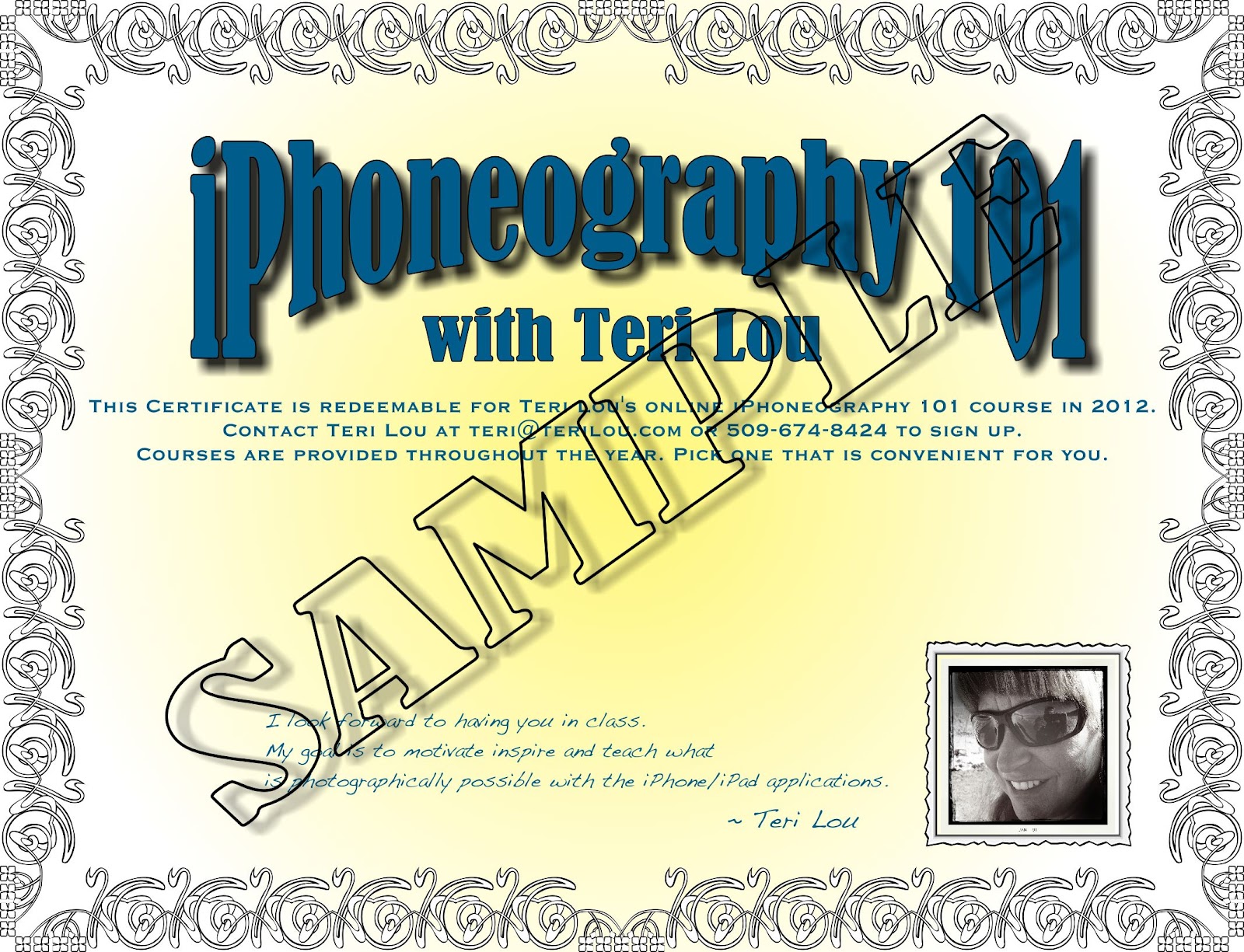
Certificate for iPhoneography 101 Course - Buy NOW!

Purchase your certificate for iPhoneography 101 course now!

Blogging has been one of the most rewarding things I have ever done. It opened up doors that I never knew even existed, helped me to grow as an artist tremendously and allowed me to touch lives in ways I never dreamed of. I am continually inspired when people express appreciation that I share so much information and how much they enjoy my excitement and passion for this art form.

Thank you.

What was most surprising is how I have inspired other women to become more confident and adventurous; some have even started traveling and sleeping in their cars.  Who would have thought!

So as my gift to all my followers I am offering my iPhoneography 101 at the 2011 rate of $149 if you purchase a certificate in the month of January 2012. The certificate includes:


·      Any iPhoneography 101 course in 2012. 
It will be offered several times, starting February 13th.


·      A student discount of 10% off all The Last-Pixel Show 
iPhone Photography destination workshops in 2012.


·      Membership to the private and secret iPhone Photography group on Facebook.
For students only.


To purchase the certificate, click the Buy Now button and you will be directed to PayPal for purchase. Once the transaction is complete you will receive your certificate. Please print the certificate for reference. Upon my return, on February 6th, I will send a confirmation of payment.

Please note that if you access my blog through Facebook Networkblogs the Buy Now button may not work. Please go to the blog directly: http://www.iphoneographywithterilou.blogspot.com


Certificates must be purchased by January 31st 2012 for discounted rate!
The next iPhoneography Classes start February 13th 2012!

Purchase an iPhoneography 101 certificate for yourself or someone else as a gift! 
Only $149 until the end of January and use it anytime in 2012!

August 29, 2011

Another Door of iPhoneography

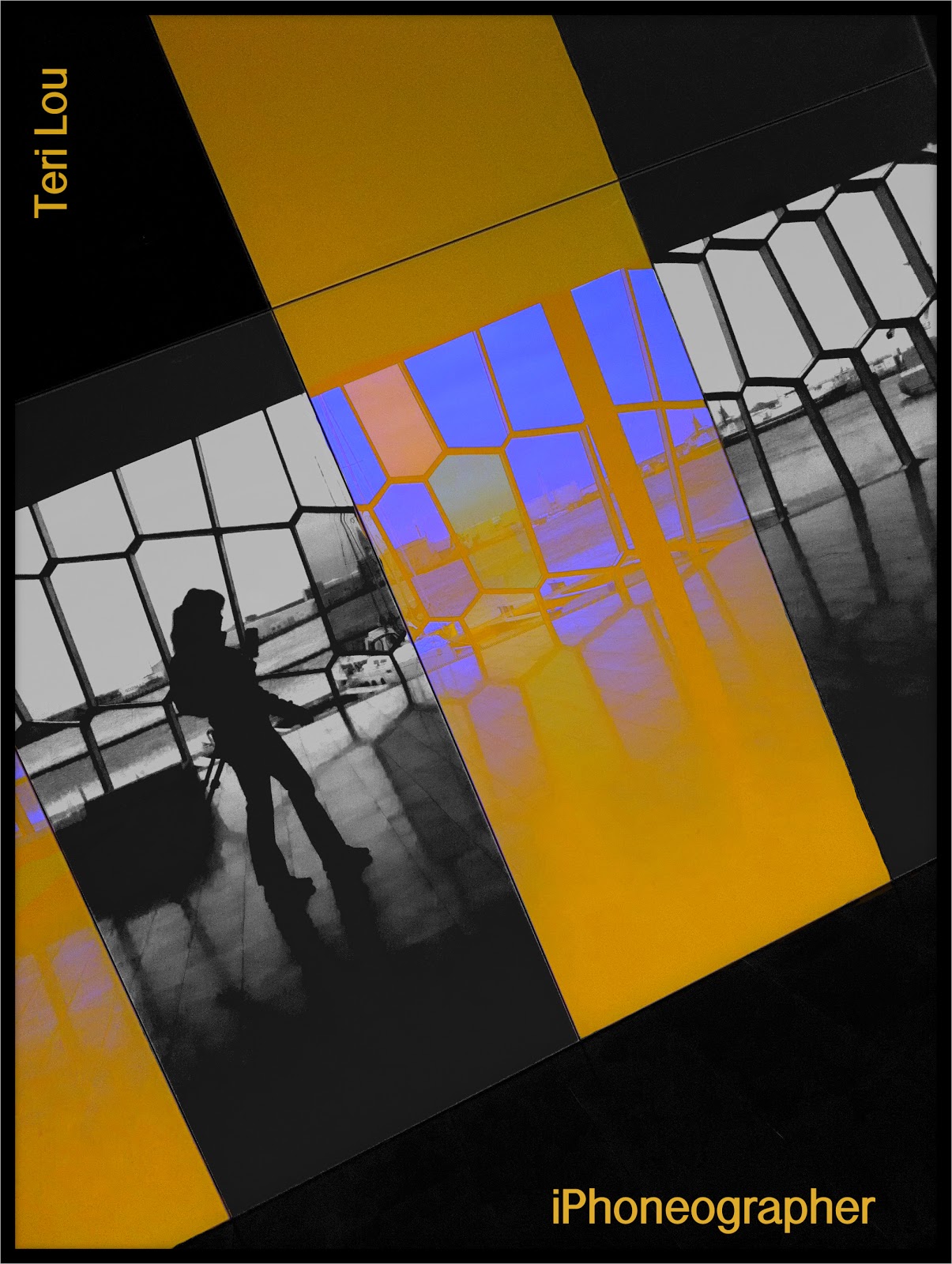
Harpa Concert Hall

When in Iceland I visited the concert hall, Harpa Concert Hall. The structure is an architectural marvel. I was fascinated with the glass and reflections. As I walked around I discovered a fun place to capture a self portrait. At first I set it up the conventional way with the camera on the tripod and me standing in front. Then I started capturing the reflection of me standing next to my tripod. I finally became satisfied with the image when I got out of the box even more. I set ProCamera on a timer and started walking along this very reflective wall. As I walked the the camera captured the image. It took few times for me to look as though I was casually walking and to get my reflection in a pleasing location.
Today I processed the image with an out of the box graphical direction. All the steps were completed in Filterstorm.

iPhoneography Classes Available Now! - next class starts September 12th - only six student per session. If you would like to learn how to capture and process iPhone images beyond a basic snapshot take an Online iPhoneography Course with Teri Lou. Two courses are available iPhoneography 101 and iCreativity. Click on the direct links in the upper left hand column of this blog for information, pricing and schedule.

August 5, 2011

Shooting with iPhoneography Friends in the Palouse

Processed with Artista Haiku, Blender and Grungetastic

Discovered a new abandoned house today!

A group of iPhoneography friends and I decided to gather in the Palouse this week. We are having too much fun! This morning the clouds were glorious and we took full advantage of them. Our first stop at my favorite combines and at farmer Rod's. We stopped for lunch at Grumpy's in Garfield and all had a great hamburger. In the afternoon we captured a couple abandoned houses and barns. Finished the day with a lone tree and sunset at Steptoe.
Left to right: Teri Lou, Rod Huber, Elizabeth Fielder, Tom Fielder, Dewitt Jones, Dave, Lynette Sheppard

Everyone is having a great time and I am enjoying being the guide.

I will have two more days with these wonderful photographers. I am so grateful!

iPhoneography Classes Available Now! - next class starts September 12th - only six student per session. Last class filled up quickly so sign up soon!


If you would like to learn how to capture and process iPhone images beyond a basic snapshot take an Online iPhoneography Course with Teri Lou. Two courses are available iPhoneography 101 and iCreativity. Click on the direct links in the upper left hand column of this blog for information, pricing and schedule.

June 6, 2011

Palouse - Old Silos - About to Fall

Palouse, I will be visiting again at the end of the month for a Girl's Only Photo Tour - spots still available!

Attention to my blog has lacked a bit in the last week. The main reason is that I bought a new computer converting from a PC to a MacBook Pro. Most people would say it is about time. I resisted because I tried to make the jump about 5 years ago and only ran into frustration. So it took a bit more poking and prodding this time even though it made all the sense in the world since I am a full fledged iPhone and iPad girl.
Thanks to my good friend Harry who is very willing to answer all my basic questions I am converting easier this time. (However I am making a list of questions that I will have tomorrow.)  
Tonight I got distracted from my blog because I have been importing all my iPhone images into Lightroom on my new Mac. File structure is so important. The import is easy and I must admit easier with the Mac or at least Harry showed me a new trick. The time consuming part is the organizing and keywording. I am being diligent. I truly believe it will pay off. Especially since I am going to begin printing my images soon because many people who see them are asking me where I am selling them, very flattering.  I have not went in that direction yet because I wanted my first goal to be to teach iPhoneography. Well as many of you know I have began to accomplish that goal so I will be learning more about the world of printing – even though I am resisting that too. There is much to learn, thank goodness for good friends…;-)
So today’s image is a rather simply processed one. The original is a Hipsta image, sharpened in Perfect Photo, the Antique Canvas filter and black frame was added using fxPhotoStudio and that is it. 


iPhoneography Classes Available Now!
If you would like to learn how to capture and process iPhone images beyond a basic snapshot take an Online iPhoneography Course with Teri Lou. Two courses are available iPhoneography 101 and iCreativity. Click on the direct links in the upper left hand column of this blog for information, pricing and schedule.

May 28, 2011

Scooter and The Wall - Georgetown

Scooter the Photographer


Please see previous days blog for 'The Story' and processing technique.
This image was processed the same except the app 'Rays" was not used.

Enjoy your holiday weekend everyone!

May 25, 2011

iPhone Interior Architectural Photography

Huntley Lodge 

"What kind of Photographer are you?" Is a common question I have been asked by many. I used to struggle with the answer to that question because I wasn't exactly sure what kind I was. However about a year ago I decided I was an "opportunist photographer", I would shoot any opportunity that presented itself.
It was in October of last year that I redefined myself as an iPhoneographer. However that didn't change the fact that I will still shoot any opportunity that presents itself. So when I was asked to shoot the interior of a vacation lodge with my iPhone I happily accepted the job.
Actually, I had more confidence shooting with my iPhone because I knew I would not only do a great job but I also knew I would be providing my client with a different look then most photographers. For those of you who follow my blog you know that I am a BIG fan of the Autostitch app. I love how I can create an image that you feel you are actually walking into. Yes Autostitch can and does distort the image but I believe that is part of the appeal.
Case in point is this kitchen interior. While capturing this image I stood fairly close to the counter top on the left and then panned the scene capturing 5 images. Since I am familiar with how Autostitch works, I knew that the counter top to the right would bow in the final result. I also knew that I could use just 4 of the images to stitch with if I didn't like the result. I found that the result of the 5 image stitch provokes thought and surrounded the viewer a bit more than your typical technically correct image. This I find very appealing as did my client. As always it is a matter of choice and in the eye of the beholder. I am curious to hear how others feel about shooting interior architecture knowing that the result is going to most likely have the iPhone Autostitch signature.

ProHDR capture
PerfectPhoto
AutoStitch
TouchRetouch
PhotoStudio
Iris for iPad
Impression


iPhoneography Classes Available Now! - next class starts May 23rd. If you would like to learn how to capture and process iPhone images beyond a basic snapshot take an Online iPhoneography Course with Teri Lou. Two courses are available iPhoneography 101 and iCreativity. Click on the direct links in the upper left hand column of this blog for information, pricing and schedule.

May 22, 2011

Back in Time - Saint Boniface Church - Uniontown, WA


I was very surprised to find this church in the Uniontown, WA. What a treat it was to photograph the inside of it.
This is a 3 image Autostitch, creatively processed using Filterstorm, ArtistaOil and PhotoStudio. If you look closely you will see that the foreground is painted and tinted to give it an antique look whereas the background was kept sharp and brilliant. I chose to process it this way to create the feeling of walking from the past into the preset.

iPhoneography Classes Available Now! - next class starts May 23rd. 
If you would like to learn how to capture and process iPhone images beyond a basic snapshot take an Online iPhoneography Course with Teri Lou. Two courses are available iPhoneography 101 and iCreativity. Click on the direct links in the upper left hand column of this blog for information, pricing and schedule.

May 21, 2011

Framing the Parlor

Another gorgeous room in the Perkins House

ProHDR
AutoStitch

Frame was created using:
PhotoStudio
AutoPainter HD
Artista Haiku
Blender
FIlterstorm

Just playing around today, to see what is possible!
iPhoneography Classes Available Now! - next class starts Monday,May 23rd. If you would like to learn how to capture and process iPhone images beyond a basic snapshot take an Online iPhoneography Course with Teri Lou. Two courses are available iPhoneography 101 and iCreativity. Click on the direct links in the upper left hand column of this blog for information, pricing and schedule.

May 20, 2011

Purse on Loan - Perkins House


Another great image created in the Perkins House, Colfax, WA.

Hipsta
PerfectPhoto
PhotoStudio
Blender
Filterstorm


iPhoneography Classes Available Now! - next class starts Monday, May 23rd. If you would like to learn how to capture and process iPhone images beyond a basic snapshot take an Online iPhoneography Course with Teri Lou. Two courses are available iPhoneography 101 and iCreativity. Click on the direct links in the upper left hand column of this blog for information, pricing and schedule.

May 18, 2011

I am back in the Palouse

Gordon Hamilton Farm
My friend Dick and I are in the Palouse for a few days. The spring wheat is just starting to grow. What a gorgeous day we had in the land of red barns, green fields, blue skies and white puff clouds.

ProHRD
Filterstorm 
Impression


May 15, 2011

1952 Ford Truck - Roslyn, WA


The beauty of living in a small town is that every now and then you will find jewels like this parked along the road. On Saturday, it was in front of the Roslyn Museum, so I walked in and asked the gentleman visiting there if he minded if I took photos of his car. He gave me a curious look and said, "'Why no." So armed with my iPhone I started capturing this 1952 Ford from all different angles. I chose this angle  for the purpose of isolating it from the cars and buildings around it.
During the intense photo shoot the owner and his wife came out of the museum, sat on a bench and patiently watched me while they had a great conversation with a friend of mine. Afterward I sat on the sidewalk listening to the many tales of growing up and living in Roslyn. She was very proud, and justly so, that they had celebrated their 70th wedding anniversary last week. She also said that she was turning 90 next week and her husband was 92.
They looked terrific. He had an expression of a young boy when he was reliving his tales with us. Especially the ones of dancing or playing baseball. One story he told was of the 37 saloons that Roslyn once had. He said that if you got too drunk the police officer would just drive you home. When I asked how many police officers they had to handle a town with 37 saloons, he looked at me and said, "Two, one day shift and one night shift."
Now don't get me wrong I love my world of technology and all the possibilities it has brought me, but can you imagine a life where everyone was more responsible for themselves and neighbors took care of neighbors. She told the story of when they needed a garage built and all the neighbors pitched in to help on Saturday to get it completed in one day. This neighborly gesture was repeated all over town.
Oh, I was also informed that when the engine goes out in the truck he replaces it with a spare he has in the garage, then promptly repairs the first one for the next time second engine goes out.
It was a great afternoon.

ProHDR
Iris for iPad
Filterstorm
Impression


iPhoneography Classes Available Now! If you would like to learn how to capture and process iPhone images beyond a basic snapshot take an Online iPhoneography Course with Teri Lou. Two courses are available iPhoneography 101 and iCreativity. Click on the direct links in the upper left hand column of this blog for information, pricing and schedule.

May 7, 2011

Mabry Mill - iPhone Painterly Version


Today's blog image was captured in October 2010 during my six week photographic adventure along the east coast. This image is of the Mabry Mill at mile post 176.2 of the Blue Ridge Parkway. For those of you who are familiar with the parkway you will understand the importance of the mile post reference.
I spent a long time on this post wanting the image to have a certain appeal that I couldn't quite capture at first. I kept great notes on my step by step process until the end when I stopped thinking and started creating. I finally found the result I was looking for. IMHO, I think it is one of the best images of that old mill.


Filterstorm
AutoPainter
ArtistaSketch
ArtistaOil
Blender, Blender, Blender again....
Dynamic Light


On another note: My quick review of the update to the app Blender is that it is much improved. So nice to be able to select the different blending modes and see the results instantly. Big thanks to the developers!


iPhoneography Classes Available Now!

If you would like to learn how to capture and process iPhone images beyond a basic snapshot take an Online iPhoneography Course with Teri Lou. Two courses are available iPhoneography 101 and iCreativity. Click on the direct links in the upper left hand column of this blog for information, pricing and schedule.

April 26, 2011

Peeking into the Past

Lynden Pioneer Museum
During time with the family last week, we went to a wonderful historic museum in Lynden, WA. It was stock full of displays on three different floors. So many things to see. I took lots of photos while I was there and will processing more in the coming weeks.
This image was processed with many apps and different blending techniques. I will be adding this image with detailed explanation as a lesson in my iCreativity class. The next session starts on May 16th. See sidebar for more information.

Captured with ProHDR. Processed with six different apps.

Thank you to all my loyal blog followers. Today I reached 25,000 page views. I am 1/4 of the way to my end of the year goal. To celebrate I am offering a free online iPhoneography class of your choice (iPhoneography 101 or iCreativity) if you can figure out what processing apps I used in todays image above and be the first person to post it as a comment on my Facebook link of this blog post (Teri Lou Dantzler) by Friday April 29, 2011. I will announce the winner (hopefully there is one) and the apps in Saturdays post! Good luck! 

April 24, 2011

Update: Top iPhone Processing Apps

Weekly there are several new photography apps introduced and even more that are updated. It is an impossible task to stay on top of it all. Every now and then a few will stand out and I will purchase them. Since most of them are just a variation of something I already have, with nothing new that stands out, I rarely use them again. Occasionally though you get a winner that deserves recognition. Therefore I am updating the top list. It was hard to eliminate some of my old favorites from the list but I did to make room for a few new favorites.

Current Top 15 iPhone Processing Apps: PhotoArtista Series, AutoPainter,  PhotoForge, Blender, Iris, picGrunger, PhotoStudio, Crop'n'Frame, Impression, DynamicLight, MontagePro, Filterstorm, Diptic, Autostitch and TouchRetouch.

Below are a few Hipstamatic, a favorite camera app, captures I took in February while walking around Seattle. I only sharpened them and add my copyright info.


April 22, 2011

Dreamy


 Spring is nature's way of saying, "Let's party!"  ~Robin Williams


The camera was faithfully used and then processed with BlurFX, Filterstorm, Iris, PhotoStudio and Impression.  That is it. No painting apps whatsoever. I was thrilled!

April 21, 2011

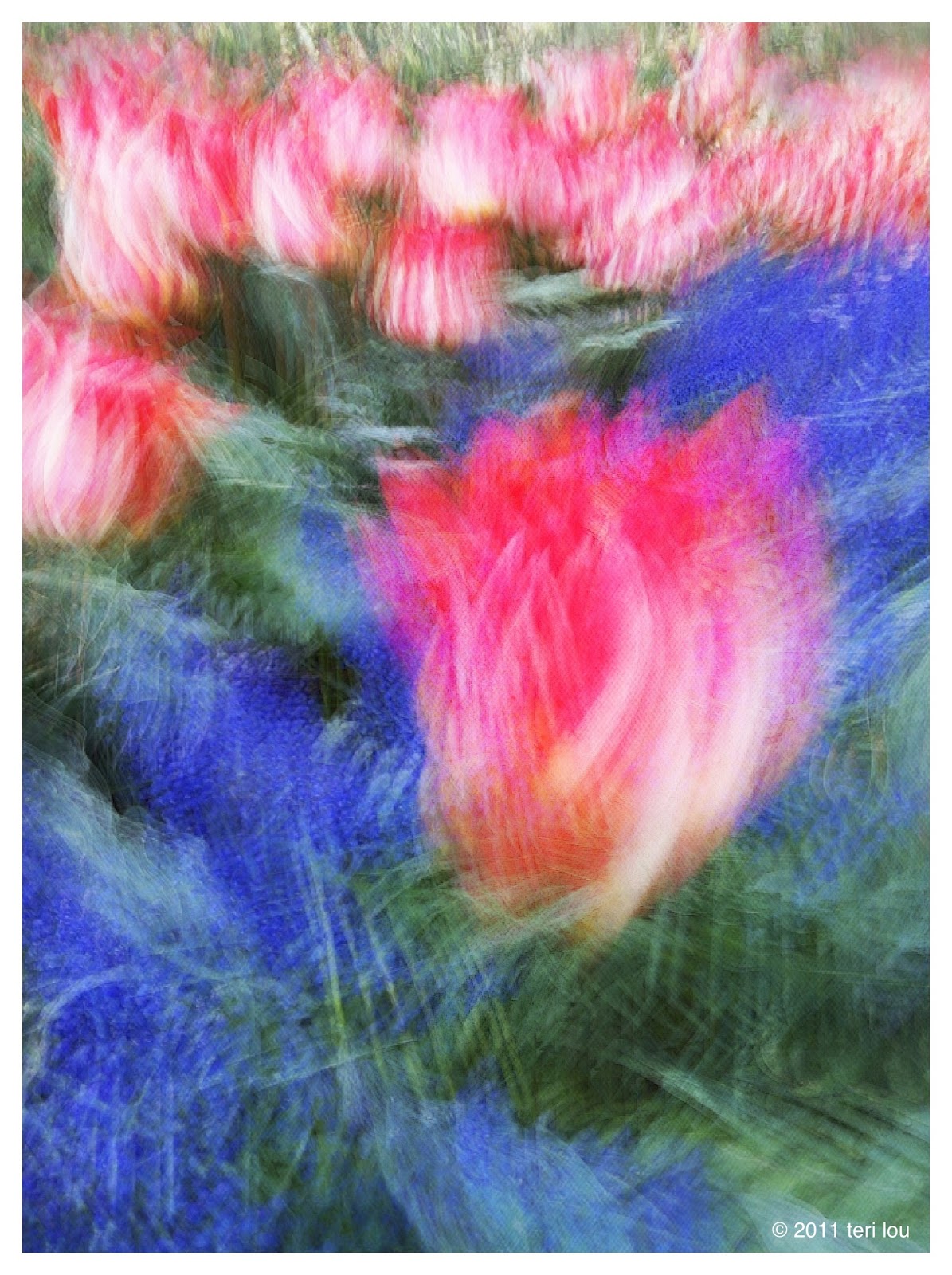
Creative Tulips - the abstract way

Tulip in Skagit Valley

As I mentioned yesterday, I spent the last two days with extend family at a small family get together. I  hadn't planned on being given this opportunity and was grateful for the time with them all as they also made me feel very welcome and loved. 
This morning it was raining and blowing so I thought I had missed my opportunity to capture the tulips this year, so I went to the Lynden Pioneer Museum with the group until mid afternoon before I headed south to Skagit Valley again.
I was pleasantly surprised when the clouds began to break and the sun started shining. I spent about 4 hours capturing the tulips with many different camera apps and using many different techniques.This is one of my many favorites, so I expect that you will be seeing many more in the next few weeks as I wait for spring to arrive in my home town.

SlowShutter
AutoPainter
Iris
Filterstorm
Impression