I just spent a few days way from the clinic, finally! I went to Suttle Lake. Unfortunately I was enjoying being warm and cozy in the cabin too much to be very inspired to go outside among the freezing winds and hard crusted snow. So I barely took a photo. However on the way home I captured this group of trees near the rivers edge.
After playing with many apps I used Picturesque, Artista Oil, Snapseed, Image Blender and Filterstorm to create this image. I felt a little rusty but enjoyed the process and played.
Showing posts with label teach. Show all posts
February 13, 2013
Time Away
Labels:
app,
Artista Oil,
Filterstorm,
Image Blender,
iPad Snapseed,
picturesque.,
play,
teach,
Teri Lou
July 9, 2011
Roslyn Run - Things that go Vroom Vroom!!
This year at the Roslyn Run I was fascinated by the engines. I chose to process this image using ToonPaint thanks to Harry Sandler's kind reminder of the apps possibilities. He was also very kind to point out a few new ideas when using the app. So I went a little crazy with it today.
Hipstamatic
ToonPaint
fxPhotoStudio
Filterstorm
Blender
Impression
iPhoneography Classes Available Now! - next class starts July 11th - limit 6 student per course. If you would like to learn how to capture and process iPhone images beyond a basic snapshot take an Online iPhoneography Course with Teri Lou. Two courses are available iPhoneography 101 and iCreativity. Click on the direct links in the upper left hand column of this blog for information, pricing and schedule.
Labels:
app,
Blender,
Engines,
Filterstorm,
fxPhotoStudio,
Hipstamatic,
Roslyn Run,
teach,
Teri Lou,
ToonPaint
June 15, 2011
Tricky Hipstamatic Processing
| Wildflower along the path |
A friend of mine, Antonio, came to town and we went for a hike today. The wild flowers were abundant and the views were incredible. The sun was shining bright and the sound of the wind was awesome in the trees.
I captured this image with the Hipstamatic - Watts Lens, Big Up Film. However I wasn't happy with the frame that the Big Up put on it. So I created a different one with the same colors in Grungetastic!
Hipstamatic
Juxtaposer
Filterstorm
Grungetastic
Impression
iPhoneography Classes Available Now! - next class starts July 11th - limit 6 student per course.
If you would like to learn how to capture and process iPhone images beyond a basic snapshot take an Online iPhoneography Course with Teri Lou. Two courses are available iPhoneography 101 and iCreativity. Click on the direct links in the upper left hand column of this blog for information, pricing and schedule.
Labels:
app,
Filterstorm,
flower,
Grungetastic,
hiked,
Hipstamatic,
Impression,
Juxtaposer,
teach,
Teri Lou
June 12, 2011
Toon Paint - Yard Work!
| Mowing the lawn! |
I can see that I blended in this border about as good as I mowed the lawn leaving a little white along the upper left edge just like I left a strip of tall grass in places. Oh well I guess it adds to the story!
ProHDR
ToonPaint
Blender
PhotoStudio
Filterstorm
iPhoneography Classes Available Now! - next class starts TODAY! - sign up now!!
If you would like to learn how to capture and process iPhone images beyond a basic snapshot take an Online iPhoneography Course with Teri Lou. Two courses are available iPhoneography 101 and iCreativity. Click on the direct links in the upper left hand column of this blog for information, pricing and schedule.
May 26, 2011
Step by Step iPhone App Processing
| Another image from the Perkin House, Colfax, WA |
Today's image was a surprise to me. From the beginning of the processing procedure, I decided I wanted to create an old photo feel, so instantly the app OldPhotoPro came to mind. (As always I sharpened the image first before applying any additional filters.) While finding that app I came across the app PhotoTreats and decided to remind myself to what was available there. I found a filter that super saturated the image and decided to apply it before bringing it into OldPhotoPro.
In OldPhotoPro I tried some various combination and instantly feel in love with the ragged frame. Even though the frame did add the appeal I was looking for I also wanted to continue playing with the possibilities of different framing options so I opened the image in fxPhotoStudio and added a thin black frame. I brought the image into OldPhotoPro again to add the ragged frame to the black portion.
Now with the thought of wanting to paint in the wall paper textureas part of the frame, I also captured that day, I once again added a frame in fxPhotoStudio but this time in white and wider so it would show through when blended in the app Blender.
Each time I processed the image in OldPhotoPro it became more aged and darker. I definitely liked the aged look but thought it was too dark so I used the app DynamicLight to brighten it a bit. Next I sharpened the image again using Perfect Photo. Then I was ready to blend. Using the simplest blending mode app, Blender, I opened the most current version and the wallpaper texture. My plan, as I stated earlier, was to paint the wallpaper just into the frame, however when I chose the multiply option I just loved how the wallpaper blended so well into the whole image - Surprise!
Even though I loved the look on the wallpaper on the image, I didn't want it to be as strong as the portion on the frame so next I opened the image with the blended wallpaper and the one just prior to that in Filterstorm and with a very low opacity brush lightened the inside of the image.
As always I added my copyright watermark with Impression.
This is just a concept that I wanted to share with all of you. It can be used in several ways. I hope this demonstration and explanation motivates and inspires you to see what is possible. I have many more lessons like this in my iCreativity course that is starting Tuesday May 31st.
For the step by step images I used the app Diptic.
| original Hipsta Dream Canvas, OldPhotoPro, fxPhotoStudio, OldPhotoPro |
| FxPhotoStudio, OldPhotoPro, DynamicLight, Filterstorm |
iPhoneography Classes Available Now! - next class starts May 31st. If you would like to learn how to capture and process iPhone images beyond a basic snapshot take an Online iPhoneography Course with Teri Lou. Two courses are available iPhoneography 101 and iCreativity. Click on the direct links in the upper left hand column of this blog for information, pricing and schedule.
Labels:
aged,
Colfax,
Dynamic Light,
Filterstorm,
fxPhotoStudio,
Hipstamatic,
Impression,
iPad,
iPhone,
iPhoneography,
old,
OldPhotoPro,
Perkins House,
shoes,
teach,
Teri Lou,
underwear,
Washington
May 25, 2011
iPhone Interior Architectural Photography
| Huntley Lodge |
It was in October of last year that I redefined myself as an iPhoneographer. However that didn't change the fact that I will still shoot any opportunity that presents itself. So when I was asked to shoot the interior of a vacation lodge with my iPhone I happily accepted the job.
Actually, I had more confidence shooting with my iPhone because I knew I would not only do a great job but I also knew I would be providing my client with a different look then most photographers. For those of you who follow my blog you know that I am a BIG fan of the Autostitch app. I love how I can create an image that you feel you are actually walking into. Yes Autostitch can and does distort the image but I believe that is part of the appeal.
Case in point is this kitchen interior. While capturing this image I stood fairly close to the counter top on the left and then panned the scene capturing 5 images. Since I am familiar with how Autostitch works, I knew that the counter top to the right would bow in the final result. I also knew that I could use just 4 of the images to stitch with if I didn't like the result. I found that the result of the 5 image stitch provokes thought and surrounded the viewer a bit more than your typical technically correct image. This I find very appealing as did my client. As always it is a matter of choice and in the eye of the beholder. I am curious to hear how others feel about shooting interior architecture knowing that the result is going to most likely have the iPhone Autostitch signature.
ProHDR capture
PerfectPhoto
AutoStitch
TouchRetouch
PhotoStudio
Iris for iPad
Impression
iPhoneography Classes Available Now! - next class starts May 23rd. If you would like to learn how to capture and process iPhone images beyond a basic snapshot take an Online iPhoneography Course with Teri Lou. Two courses are available iPhoneography 101 and iCreativity. Click on the direct links in the upper left hand column of this blog for information, pricing and schedule.
Labels:
Architectural,
AutoStitch,
Cle Elum,
Impression,
interior,
iPad,
iPhone,
iPhoneographer,
Iris for iPad,
Perfect Photo,
photography,
PhotoStudio,
ProHDR,
teach,
Teri Lou,
Washington
May 24, 2011
May 23, 2011
Dolls at the Perkins House
| If these dolls could talk! Hipsta iDarkroom Filterstorm Iris for iPad Impression |
Labels:
Filterstorm,
Hipstamatic,
iDarkroom,
Impression,
iPhone,
iPhoneography,
Iris for iPad,
teach,
Teri Lou,
terilou.com
May 21, 2011
Framing the Parlor
| Another gorgeous room in the Perkins House ProHDR AutoStitch Frame was created using: PhotoStudio AutoPainter HD Artista Haiku Blender FIlterstorm Just playing around today, to see what is possible! |
Labels:
Artista Haiku,
AutoPainter HD,
AutoStitch,
Blender,
Colfax,
Filterstorm,
frame,
iPad,
iPhone,
iPhoneographer,
Parlor,
Perkins House,
PhotoStudio,
teach,
Teri Lou,
WA
May 19, 2011
Saint Boniface Catholic Church, Uniontown, WA
| Saint Boniface Catholic Church The quick trip to the Palouse yielded many wonderful images. I experienced new locations and met yet again many wonderful people! This image was from inside of the Saint Boniface Catholic Church, Uniontown, WA. Hipstamatic AutoPainter Filterstorm Impression |
If you would like to learn how to capture and process iPhone images beyond a basic snapshot take an Online iPhoneography Course with Teri Lou. Two courses are available iPhoneography 101 and iCreativity. Click on the direct links in the upper left hand column of this blog for information, pricing and schedule.
Labels:
AutoPainter HD,
Catholic,
Church,
classes,
Filterstorm,
Hipstamatic,
Impression,
iPhone,
iPhoneography,
Saint Boniface,
teach,
Teri Lou,
Uniontown,
WA
May 18, 2011
I am back in the Palouse
| Gordon Hamilton Farm |
ProHRD
Filterstorm
Impression
Labels:
barn,
field,
Filterstorm,
Impression,
iPhone,
iPhoneographer,
iPhoneography,
Palouse,
ProHDR,
red,
teach,
Teri Lou,
wheat
May 15, 2011
1952 Ford Truck - Roslyn, WA
The beauty of living in a small town is that every now and then you will find jewels like this parked along the road. On Saturday, it was in front of the Roslyn Museum, so I walked in and asked the gentleman visiting there if he minded if I took photos of his car. He gave me a curious look and said, "'Why no." So armed with my iPhone I started capturing this 1952 Ford from all different angles. I chose this angle for the purpose of isolating it from the cars and buildings around it.
During the intense photo shoot the owner and his wife came out of the museum, sat on a bench and patiently watched me while they had a great conversation with a friend of mine. Afterward I sat on the sidewalk listening to the many tales of growing up and living in Roslyn. She was very proud, and justly so, that they had celebrated their 70th wedding anniversary last week. She also said that she was turning 90 next week and her husband was 92.
They looked terrific. He had an expression of a young boy when he was reliving his tales with us. Especially the ones of dancing or playing baseball. One story he told was of the 37 saloons that Roslyn once had. He said that if you got too drunk the police officer would just drive you home. When I asked how many police officers they had to handle a town with 37 saloons, he looked at me and said, "Two, one day shift and one night shift."
Now don't get me wrong I love my world of technology and all the possibilities it has brought me, but can you imagine a life where everyone was more responsible for themselves and neighbors took care of neighbors. She told the story of when they needed a garage built and all the neighbors pitched in to help on Saturday to get it completed in one day. This neighborly gesture was repeated all over town.
Oh, I was also informed that when the engine goes out in the truck he replaces it with a spare he has in the garage, then promptly repairs the first one for the next time second engine goes out.
It was a great afternoon.
ProHDR
Iris for iPad
Filterstorm
Impression
iPhoneography Classes Available Now! If you would like to learn how to capture and process iPhone images beyond a basic snapshot take an Online iPhoneography Course with Teri Lou. Two courses are available iPhoneography 101 and iCreativity. Click on the direct links in the upper left hand column of this blog for information, pricing and schedule.
Labels:
Filterstorm,
Ford,
Impression,
iPad,
iPhone,
iPhoneographer,
Iris for iPad,
ProHDR,
Roslyn,
teach,
Teri Lou
May 13, 2011
Roslyn Cottage
- ProCamera
- Autostitch
- PerfectPhoto
- AutoPainter
- PhotoStudio
- Blender
- Filterstorm
- Impression
iPhoneography Classes Available Now! - next class starts May 23rd
If you would like to learn how to capture and process iPhone images beyond a basic snapshot take an Online iPhoneography Course with Teri Lou. Two courses are available iPhoneography 101 and iCreativity. Click on the direct links in the upper left hand column of this blog for information, pricing and schedule.
Labels:
AutoPainter HD,
AutoStitch,
Blender,
Filterstorm,
fxPhotoStudio,
House,
Impression,
iPad,
iPhone,
iPhoneography,
Perfect Photo,
ProCamera,
Roslyn,
teach,
Teri Lou
May 10, 2011
Merry Bicycle
| One of the first images I captured with the Hipstamatic Camera App |
First of all we see differently. For instance, at a crime scene 10 people that were witnesses to the crime can all be interviewed and have a different version of what happened. Therefore, if you are shown a technique step by step there are always different ways to see things.
Secondly we think differently. Everyone's life experiences are different and I believe those experiences play a big part on how we express ourselves. Isn't art an expression of oneself?
Seeing and thinking differently create an infinite amount of possibilities. Now to take it a step further. The great artists and mentors are always growing and learning themselves. Their passion drives them to become better and 'see out of the box'. Therefore the students who are 'trying' to copy the technique are always a step behind.
So what is my message. You can and should 'try' to copy many of the great artists techniques, you should have a mentor who is willing to take the time and effort to guide you and you should follow your artistic passion. However, keep in mind that no matter how hard you try to be like someone else, it is never going to happen. So become the artist you were meant to be.
Case in point... Harry Sandler described his processing technique in detail on his blog post today. So I decided to 'try' it. The first thing I discovered, is that I had no idea where he set his slider in PhotoStudio. Next I discovered I didn't know where he chose his light source to come from in Dynamic Light. Then I had no idea what blending mode he used while in Blender or Iris, let alone which image he started with first. Plus what were his settings in Sketchmee? So, in the end I added my own vision and thoughts to create an image with guidance, inspiration and ideas from my mentor.
The conclusion to this story is: I want to thank Harry for the inspiration and explanation of his processing technique, I am very grateful that he shared it. I hope you like my variation of it! (oh and I didn't forget to sharpen, I promise!)
iPhoneography Classes Available Now! starts May 16th
If you would like to learn how to capture and process iPhone images beyond a basic snapshot take an Online iPhoneography Course with Teri Lou. Two courses are available iPhoneography 101 and iCreativity. Click on the direct links in the upper left hand column of this blog for information, pricing and schedule.
Labels:
apps,
ArtistaSketch,
bicycle,
Blender,
Dynamic Light,
Harry Sandler,
Hipstamatic,
iPad,
iPhone,
iPhoneography,
mentor,
PhotoStudio,
SketchMee,
teach,
Teri Lou
May 5, 2011
Montage and Filterstorm Blending
Composting your images together can be very powerful way to tell a story. You can take different elements from different time periods and blending them together in a way that might make sense only to you. The trick is to find some way to make them blend in a harmonious way. With this collage I chose to process all my elements with the same tones to create the harmony. I used the combination of the apps, Montage for sizing and placement and Filterstorm for blending. I also used a couple texture files.
Today was a day to experiment and see what different elements looked like together. Next time I will purposely shoot some images to create a piece that speaks to more than just me....
Montage
Filterstorm
Blender
Grungetastic
Impression
Labels:
blend,
Blender,
Filterstorm,
Grungetastic,
Impression,
iPad,
iPhone,
iPhoneography,
Montage,
teach,
Teri Lou,
textures
April 27, 2011
Review - Iris Photo Suite for iPad
| Processed with Iris for iPad using many Fx Effects, Sharpen and Text |
The capability of masking improved dramatically now that there is an opacity setting for the brush. This feature alone makes Iris more useful than ever. Another addition worth mentioning is the Sharpen/Blur Adjustment that can be masked.
When you open Iris for iPad you are given two options: 'Open a New Image' or 'Click a New Image'. I was confused by this when I tapped 'Click a New Image' and nothing happened. Then, thanks to a fellow iPhoneographer, I realized this feature only worked with the iPad2 that has a camera, click is for take photo, duh! I currently only have the original iPad as you can now tell.
Another feature that I didn't follow correctly at first is 'Adjust'. To change the size of an image, first tap 'Adjust' then tap the blue arrow, choose the size of the image , then you must tap 'Go'. The last step wasn't obvious for me.
The only complaint I have after using this app today is that the 'Text' is lacking in many ways: The opacity option isn't available. You can not see the style of font until it is selected. The font styles are not in alphabetical order making it difficult to find your favorites. Also you need to type your text each time instead of saving the last one used as a default, which would be very useful to continually have for your copyright signature. Until these options are available I am going to continue to use the app Impression.
Overall I am so impressed with all the additions and improvements to this wonderful app I use very frequently. I am highly recommended it, especially for $2.99.
Labels:
app,
Chapel,
Duke University,
halo,
iPad,
iPhone,
iPhoneography,
Iris for iPad,
light,
review,
stairway,
teach,
Teri Lou
April 21, 2011
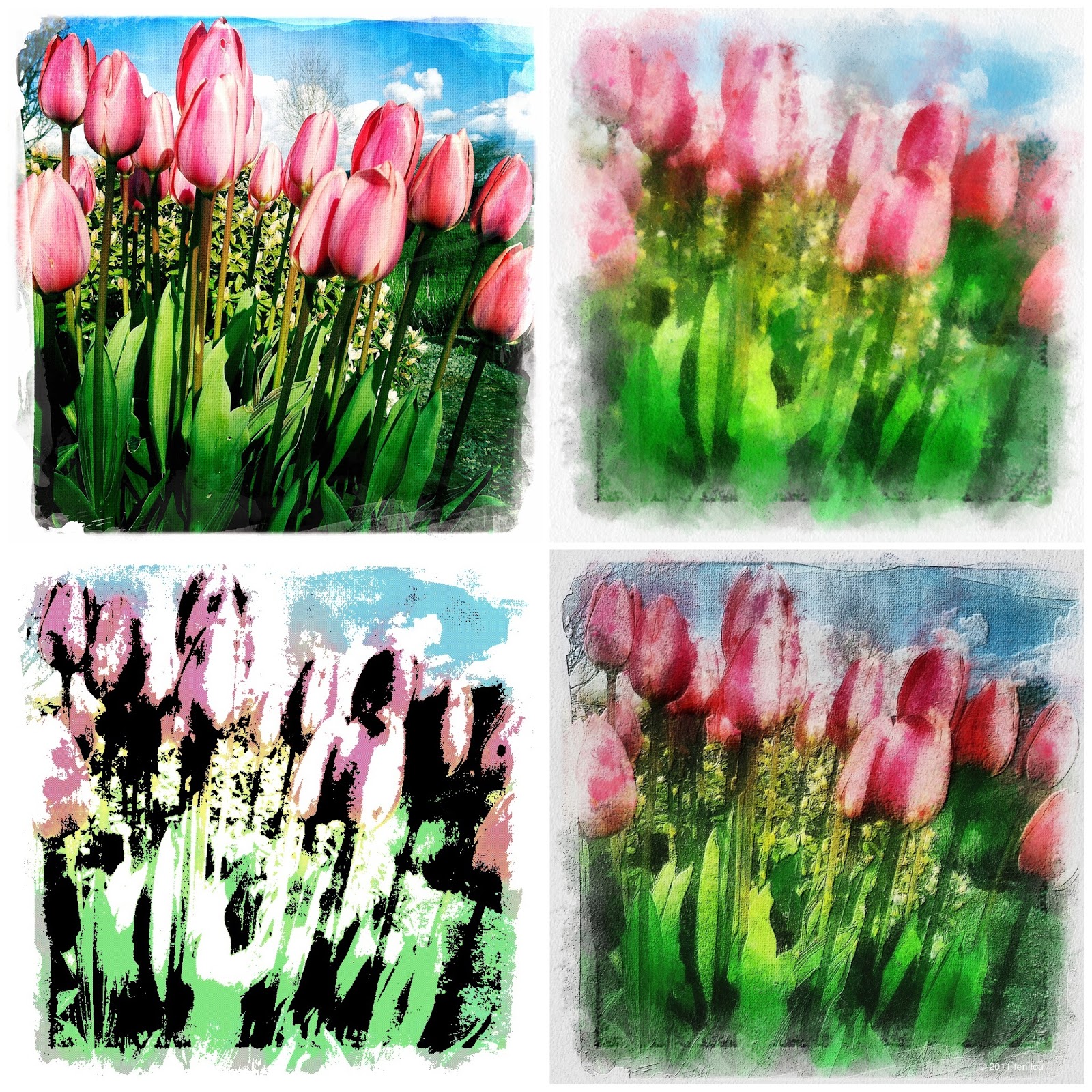
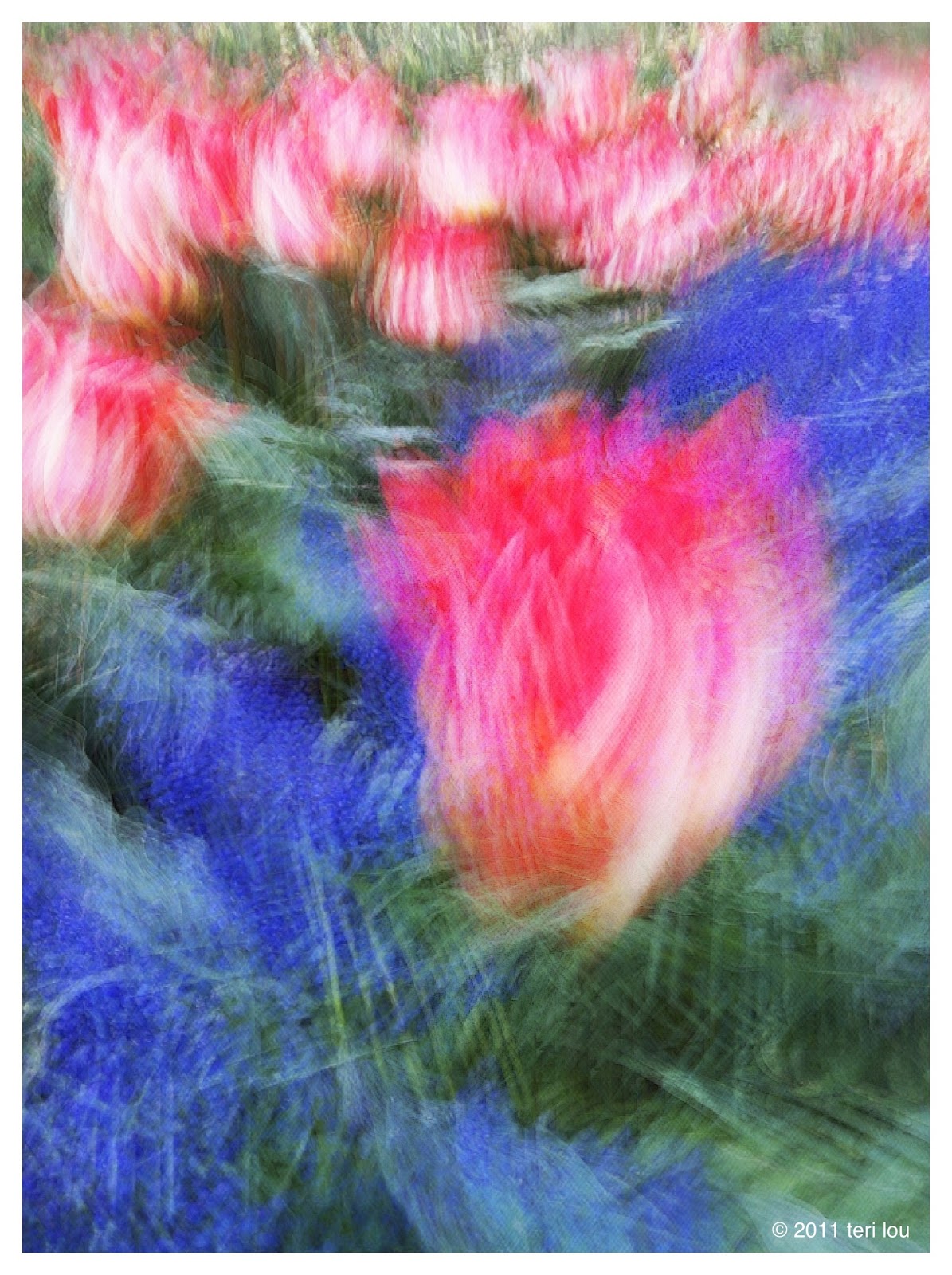
Creative Tulips - the abstract way
Labels:
Abandoned,
apps,
AutoPainter HD,
Filterstorm,
flower,
Impression,
iPhone,
iPhoneographer,
iPhoneography,
Iris,
Skagit Valley,
SlowShutter,
teach,
Teri Lou,
terilou.com,
tulip
April 20, 2011
Planet Full of Tulips
| Diptic showing several versions of the tulips. |
Labels:
apps,
AutoPainter HD,
Crop'n'Frame,
Diptic,
Dynamic Light,
Filterstorm,
Impression,
iPad,
iPhone,
iPhoneography,
Mount Vernon,
pink,
teach,
Teri Lou,
terilou.com,
tulip,
WA
April 18, 2011
Reviewing AutoPainter HD a great app for blending
| Hipstamatic Camera App |
So when I saw what effect AutoPainter was creating for my fellow iPhoneographers, I had a feeling that a demotion was in order. AutoPainter is the type of app I needed right now, simple and to the point. Not many options and no bells and whistles, just a straight forward painter. It offers 4 different painting styles, in a 3 step process. The unusual part is that you can stop the process early if you like the effect it has created before it is done.
In the case of this image I liked Benson the most and let the process go to completion. And for those of you who know me well I didn't stop there. I also processed the original in ArtistaSketch and blend those results with the AutoPainter version in Iris. Next I added two layers of frames with PSExpress and two layers of picGrunger. My final step was completed in Filterstorm by sharpening and darkened the cross and steeple a bit. Oh yeah I used Impression for my copyright.
I would recommend the app for those of you who like a painterly look and yes it is now in one of my favorite folders!
Labels:
ArtistaSketch,
AutoPainter HD,
Church,
Delaware,
Filterstorm,
Impression,
iPhone,
iPhoneography,
Iris,
picGrunger,
PS Express,
steeple,
teach,
Teri Lou,
terilou.com
April 17, 2011
Roslyn Riders - For the Love of Horses
Take your iPhone images to the next step with the power of blending, brushing and masking. Teri Lou is offering her first online advance course starts today! Ask for more information at teri@terilou.com
Labels:
AutoStitch,
blend,
Hipstamatic,
horse,
iPhone,
iPhoneography,
Iris,
mask,
Roslyn,
SketchMee,
teach,
Teri Lou,
terilou.com,
textures,
WA
Subscribe to:
Posts (Atom)